
Every Zoho quote comes with a price. Very few come with a clear answer to the question that actually determines whether the project disrupts your business: how long will this take, and what do we need to do along the way?
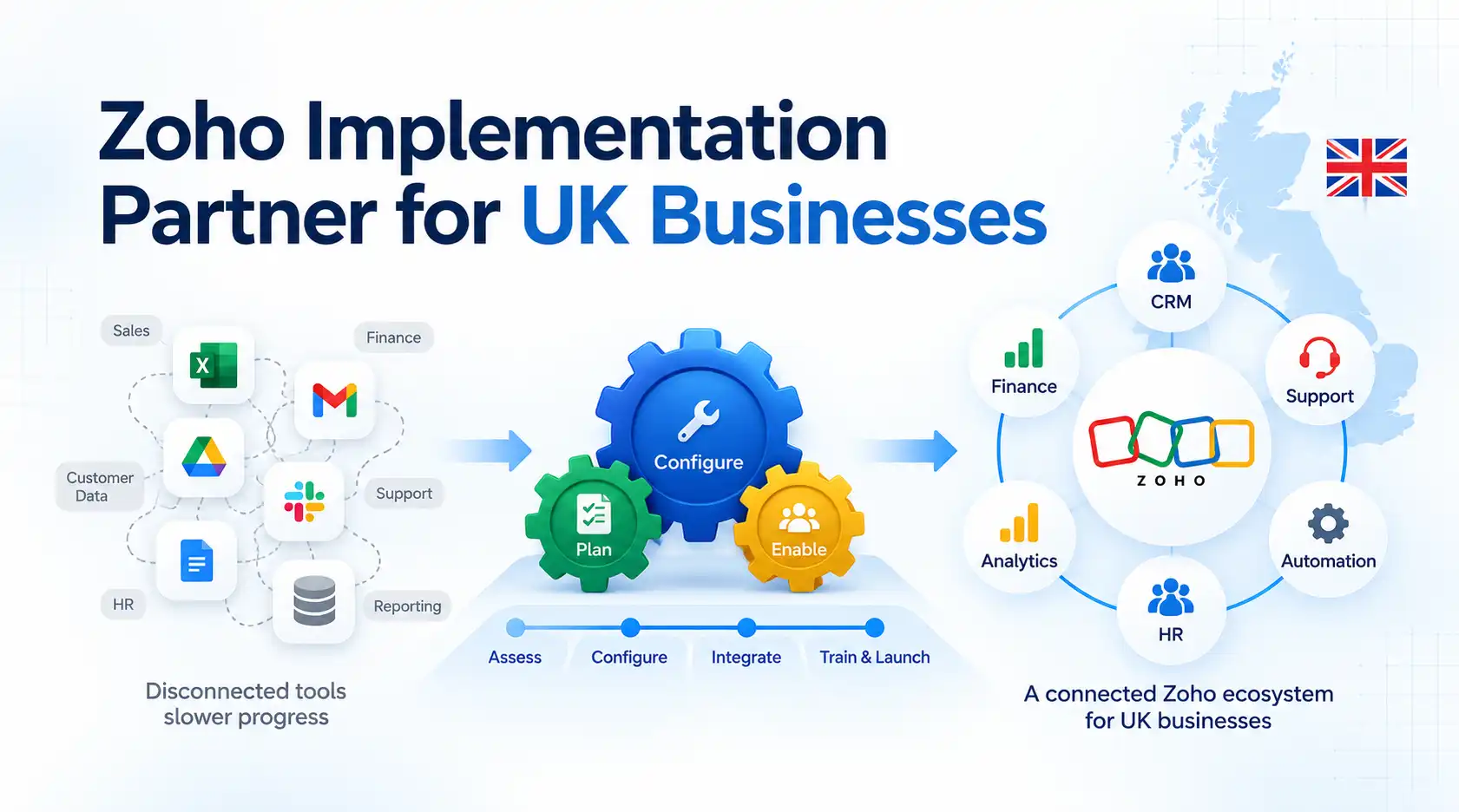
Here’s the real breakdown — the stages every Zoho implementation goes through, what typically happens in each one, and the factors that stretch a straightforward project into a long one.
How Long Does a Zoho Implementation Actually Take?
There’s no single industry-standard number, and any partner who gives you one without asking about your business first is guessing. What’s true in practice: a single-team Zoho CRM setup with clean data and no integrations can be live in three to four weeks. A multi-department Zoho One rollout with data migration from another platform and two or three integrations typically runs eight to fourteen weeks. Everything in between depends on the factors covered further down.
The Stages of a Zoho Implementation
1. Discovery and Scoping
This is where a good implementation earns its price and a bad one gets underway too fast. Expect workshops covering your current process, what’s broken about it, which departments will use Zoho, and what “done” actually looks like. Skip this stage, or rush it into a single call, and you’ll pay for it later in change requests. This is also where you should be checking what a Zoho implementation partner is actually proposing before you sign anything — scope agreed here is what everything else gets measured against.
2. Configuration
Modules, fields, layouts, workflow rules, and automation get built out against the scope agreed in discovery. For a CRM-only project this is usually the longest single stage. For a Zoho One rollout, configuration runs in parallel across multiple apps, which is part of why those projects take longer.
3. Data Migration
Historical records move from wherever they currently live — a legacy CRM, spreadsheets, another platform — into Zoho. This should run as a test migration into a sandbox first, not a single live attempt. Zoho publishes its own guidance on how CRM data migration should be structured, and a competent partner will follow a similar reconciliation process rather than a straight import-and-hope. If personal or customer data is involved, this is also the point where UK GDPR obligations apply to how that data is handled — the ICO’s guidance on data protection is the authoritative reference, and this isn’t a stage to treat as a technical afterthought.
4. Integrations
If Zoho needs to talk to your accounting software, ecommerce platform, or another system, this is where those connections get built and tested. Integrations are one of the most common reasons a timeline extends beyond the original estimate, because the complexity often isn’t clear until you’re inside the other system’s API.
5. Testing and Reconciliation
Migrated data gets checked against the source system, record by record where it matters, sample-checked where it doesn’t. Workflows and automations get tested against real scenarios, not just the happy path. This stage is frequently the one businesses want to compress — resist that. It’s cheaper to find a broken workflow rule now than after go-live.
6. Training
Your team learns the system before they’re relying on it for real work. The businesses that get poor adoption after launch — the exact problem covered in our guide to fixing an underperforming Zoho system — very often had this stage rushed or skipped the first time round.
7. Go-Live and Early Support
The switch happens, usually with the old system kept accessible for a short overlap period rather than switched off the same day. The first two to four weeks after go-live matter more than most businesses expect — this is when workflow gaps and edge cases the testing stage missed actually surface.
What Determines Whether Your Timeline Runs Long or Short
A handful of factors decide which end of the range your project lands on:
- How many departments are involved. A single sales team is a different project from sales, finance, and operations all going live together.
- Data quality and volume. Clean, well-structured data migrates fast. Years of inconsistent spreadsheets take longer to prepare than to actually move.
- Number of integrations. Each connected system adds testing time, and third-party API behaviour is rarely as documented as it should be.
- Level of customisation. Standard Zoho CRM fields and layouts move quickly. Custom modules, workflow rules, and Zoho Creator applications built alongside the core implementation add real time.
- Your team’s availability. Testing, training, and sign-off decisions need input from your side. A project stalls when nobody on your team has time allocated to it.
Common Mistakes That Stretch a Timeline
The businesses whose Zoho projects run long tend to make one of a small number of avoidable mistakes: no single internal owner accountable for decisions, which means every question waits for a meeting; skipping or compressing user acceptance testing to hit an arbitrary go-live date; deciding on customisation scope midway through configuration instead of during discovery; and underestimating how long data cleansing takes before migration can even start — this is almost always longer than the migration itself.
A Realistic Example
Consider a 30-person distribution business moving from a mix of spreadsheets and a basic contact database into Zoho CRM, with one integration into their accounting software. Discovery and scoping run two weeks. Configuration and the accounting integration run in parallel over four weeks. Data migration — cleaning several years of inconsistent spreadsheet data before it can even be mapped — turns out to be the longest single task, at three weeks. Testing takes a week and a half. Training is two half-day sessions in the final week. Total: roughly ten weeks from kickoff to go-live, with data quality — not the CRM configuration — as the actual bottleneck. This is an illustrative scenario, not a specific client project, but the shape of it is typical of what actually determines a timeline in practice.
What Happens After Go-Live
A Zoho implementation isn’t finished the day it goes live — it’s finished when the business is actually using it the way it was designed to be used. Budget for a review at 30 and 90 days post-launch: adoption levels, whether workflows match how people actually work, and whether reporting is giving you what you need. If any of those are slipping, that’s worth addressing directly rather than letting it become the kind of drift covered in our guide to underperforming Zoho systems.
Getting a Realistic Timeline for Your Project
None of the ranges above replace an actual scoping conversation about your business. If you want a clear, staged timeline rather than a single number pulled out of a sales call, get in touch and we’ll scope it properly — discovery first, then a plan you can actually hold a partner to.