
UK SMEs have a software problem that rarely gets named. It is not a lack of tools. It is too many of them.
A typical 25-person British company pays for a CRM, an accounting package and a helpdesk. Then an email platform, a project tool, an HR system, and a handful of subscriptions nobody can quite account for. Each one works. None of them talk to each other. The monthly total surprises the finance director every year.
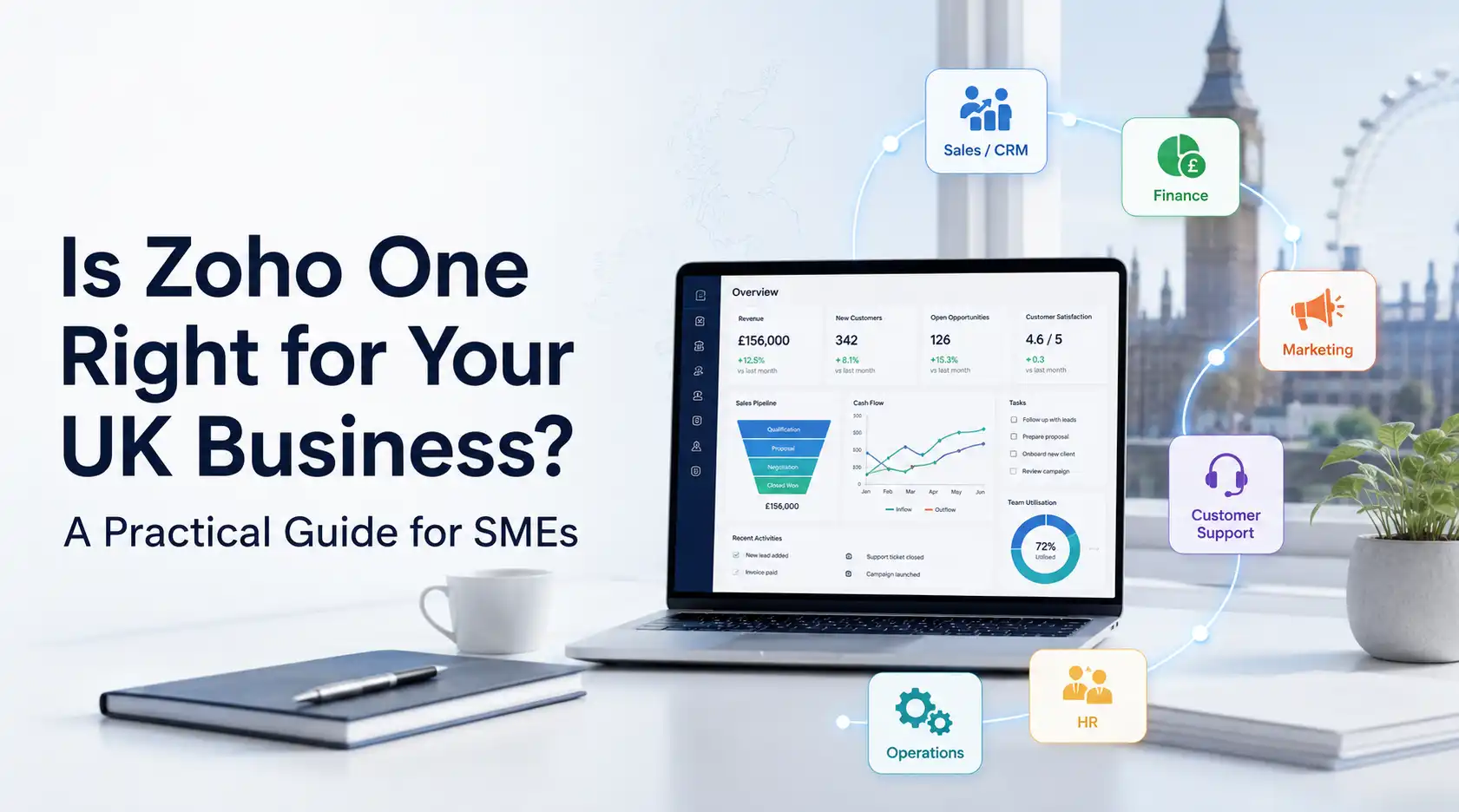
Zoho One offers a different model: more than 45 integrated business applications under one per-employee subscription. This guide looks at that proposition from a UK perspective. It covers the compliance questions, where your data sits, how Zoho One compares with the stack most British SMEs already run, and when it is the wrong choice.
What is Zoho One?
Zoho One bundles Zoho’s full application suite into one subscription. Zoho licenses it per employee rather than per app. It covers CRM and sales, email, accounting, HR, recruitment, customer support, projects, marketing, analytics and low-code app development.
The pricing model is the key difference from how most UK businesses buy software. You do not pay per user per app. You pay once per employee and every employee can use everything. That flips the usual calculation: adding another department to the system costs nothing extra in licences.
The three questions UK businesses ask first
1. Where does our data actually sit?
This is usually the first question from any UK business with a compliance officer, and it deserves a proper answer.
Zoho operates regional data centres. It serves UK and EU customers from its European data centre in the Netherlands, with secondary infrastructure in Ireland. EU-hosted accounts run on the zoho.eu domain. Zoho publishes data processing agreements and supports GDPR obligations including the right to erasure, data portability and breach notification.
One point matters more than any other here. You choose your data centre when you create the account, and changing it later is difficult. Migration between data centres is possible, but it requires Zoho’s migration team. Afterwards you must update every API integration and bookmark. So a UK business should sign up on the EU data centre deliberately, at the start. Getting this wrong is one of the more painful mistakes we see, because by the time anyone notices, integrations are already live.
UK GDPR remains substantially aligned with EU GDPR, so EU hosting suits most British organisations. If your sector imposes stricter residency rules, confirm the specifics before you commit.
2. Does Zoho Books work for UK accounting and Making Tax Digital?
Zoho Books is HMRC-compatible software for Making Tax Digital. It handles UK VAT and connects directly to HMRC for submissions. Zoho has also extended it to support MTD for Income Tax. Sole traders and landlords above the income threshold keep digital records and submit quarterly updates instead of one annual return.
Two practical caveats. You still need an HMRC online account and MTD registration before you can submit through any software. And at the time of writing, its MTD for Income Tax support covers UK property income but not foreign property income. Check the current position against your circumstances.
The wider question for most SMEs is whether to move off Xero or QuickBooks at all. Both are excellent and deeply embedded in UK accounting practice. Your accountant almost certainly knows them. That familiarity has real value, and we say so to clients regularly.
3. Will our accountant work with it?
Ask before you switch. Many UK accountants work happily with Zoho Books, and Zoho operates a partner programme for accounting practices. Others have standardised on Xero and will charge you for the inconvenience of anything else.
Is your accountant firmly attached to their existing platform? Run Zoho One for CRM, support, projects, HR and marketing, and keep accounting where it is. Zoho CRM integrates with Xero and QuickBooks, so you still get the connected pipeline without a fight over the ledger.
How Zoho One compares with a typical UK SME stack
Most British SMEs we meet run some version of this. HubSpot or Pipedrive for CRM. Xero for accounting. Microsoft 365 or Google Workspace for email. Freshdesk or Zendesk for support. Asana or Monday for projects. A dedicated HR tool, and Mailchimp for marketing.
Seven vendors. Seven renewal dates. Seven support relationships. And the integrations between them are usually held together by Zapier subscriptions and goodwill.
Zoho One replaces most of that with applications that already share data. A won deal in CRM can create the invoice in Books, open the project, and appear in Analytics alongside support costs. No middleware required.
Two honest qualifications. First, individual Zoho apps are not always the strongest in their category — some specialist tools do their one job better. Second, most UK businesses keep Microsoft 365 or Google Workspace for email and documents. The switching cost is high and staff resistance is real. Zoho One works perfectly well alongside either.
The cost question
Zoho One is priced per employee, and there are usually two tiers: an all-employee price and a more expensive flexible-user price. Check Zoho’s current UK pricing directly rather than relying on any figure you read in an article, including this one.
The important point is how to compare it. Do not compare Zoho One against the one tool you are thinking of replacing. Add up everything. Every SaaS subscription, every per-seat licence, your Zapier or Make plan, and the developer time spent keeping integrations alive. That is the real number.
Two things to watch. The all-employee price means you license everyone, including staff who barely log in. So Zoho One suits businesses where most people genuinely use it. And implementation is a real cost. Budget for configuration, migration and training alongside the licence.
Checkout Pricing here.
Is Zoho One right for your business?
It usually fits when:
- You have roughly 10 to 500 employees
- You already pay for four or more disconnected business systems
- Most of your staff would use at least one of the apps
- You want sales, finance, support and delivery sharing the same customer record
- You are comfortable standardising on one vendor
- You are growing, and adding tools is becoming an annual tax
It usually does not fit when:
- You are under about five people — buy the individual apps you need
- Most of your workforce will never log in, since you pay per employee regardless
- Your industry depends on a specialist system that Zoho cannot replace
- You have just invested heavily in another platform and adoption is going well
- Nobody internally has time to own the rollout
That last point causes more failed implementations than any technical factor. Zoho One is a platform, not a purchase. Without an internal owner, it becomes 45 apps nobody configured.
How a UK rollout should run
Phase it. The businesses that struggle are the ones that switch everything on in month one.
Phase 1 (weeks 1–3): Zoho CRM, plus email integration with whatever you already use. Get your sales process working properly before anything else.
Phase 2 (weeks 4–8): Finance and delivery. Zoho Books if you are moving accounting, or an integration to Xero if you are not. Zoho Projects for delivery work.
Phase 3 (weeks 9–12): Zoho Desk for support, connected to CRM so agents see commercial history alongside tickets.
Phase 4 (weeks 13+): HR, marketing, Analytics for cross-app reporting, and Zoho Creator for any process that has no home.
Each phase should end with a system people actually use. If Phase 1 has not landed, do not start Phase 2.
How ClubCode Technology works with UK businesses
ClubCode Technology is a Zoho Premium Partner working with clients across the UK, India, the US and other international markets. We implement Zoho One as a phased programme rather than a switch-on.
For UK clients specifically, we set the account up on the EU data centre from the start. We configure VAT and MTD correctly in Zoho Books where you are moving accounting, and integrate with Xero or QuickBooks where you are not. We also review roles and permissions against your UK GDPR obligations before anyone loads customer data.
We will also tell you plainly when Zoho One is not the right answer for your business. That conversation costs you nothing and saves some companies a great deal.
Want an honest assessment for your business? Email [email protected] or use the contact form on this site.
Frequently asked questions
Is Zoho One GDPR compliant for UK businesses?
Zoho serves UK and EU customers from its European data centre in the Netherlands, with secondary infrastructure in Ireland. It supports GDPR obligations including data processing agreements, erasure and portability. Choose the EU data centre when you create the account, because changing it later requires a Zoho-assisted migration.
Is Zoho Books compatible with Making Tax Digital?
Yes. Zoho Books is HMRC-compatible software for MTD. It handles UK VAT and submits directly to HMRC. It also supports MTD for Income Tax for sole traders and landlords above the income threshold. You still need an HMRC online account and MTD registration first.
How much does Zoho One cost in the UK?
Zoho One is priced per employee, with an all-employee rate and a higher flexible-user rate. Check Zoho’s current UK pricing directly. When comparing, add up every SaaS subscription and integration tool you would replace. Do not count only the one product you had in mind.
Can we keep Xero and still use Zoho One?
Yes. Many UK businesses do. Zoho CRM integrates with Xero and QuickBooks, so you can run sales, support, projects and HR in Zoho while accounting stays where your accountant prefers it.
Can we keep Microsoft 365 or Google Workspace?
Yes, and most UK clients do. Zoho One works alongside both. Email and documents are usually the last thing to move, if they move at all.
How long does a UK Zoho One implementation take?
Plan three to six months for a phased multi-department rollout. A first phase covering CRM and email integration typically goes live in three to five weeks.
How many employees do you need for Zoho One to make sense?
Roughly ten or more, in most cases. Below that, buying individual Zoho apps is usually cheaper. The per-employee model works best when most of your staff will actually use the system.