
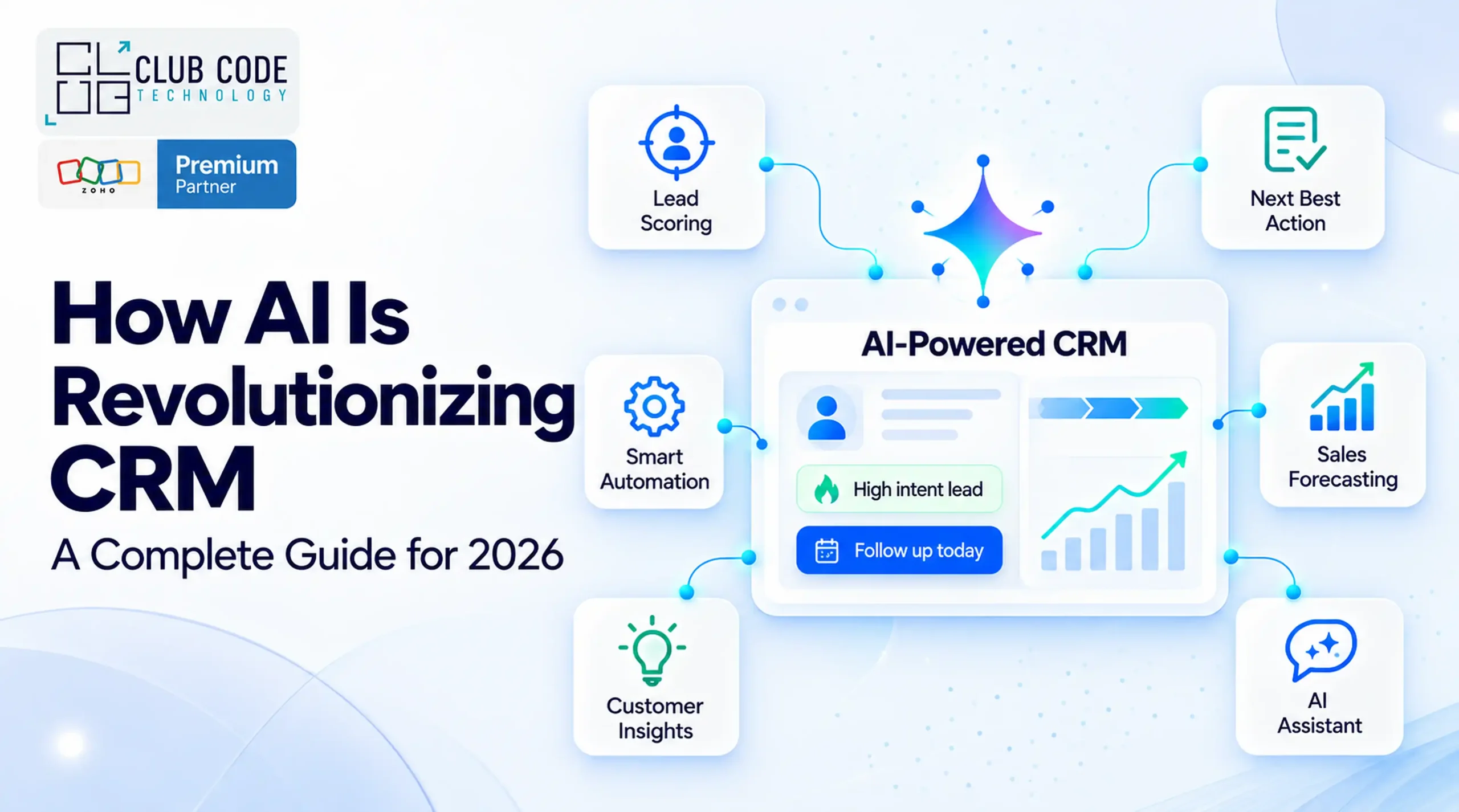
AI inside your CRM isn’t a future feature anymore — it’s already deciding which leads your sales team calls first, drafting follow-up emails, and flagging deals that are quietly going cold. The practical question for most businesses in 2026 isn’t whether to use AI in their CRM, but which capabilities are mature enough to rely on, and which are still a marketing label over a basic automation rule.
This guide works through what AI in CRM actually means today — predictive lead scoring, automated workflows, conversational AI assistants and predictive analytics — how the major platforms are building it in, what realistic benefits look like, and the mistakes that turn a promising AI rollout into an expensive distraction.
What ‘AI in CRM’ Actually Means Today
“Artificial intelligence” in a CRM context covers a few genuinely different technologies, often blurred into one marketing term:
- Predictive models that score leads, forecast deal outcomes, or flag churn risk based on patterns in your own historical data.
- Generative AI that drafts emails, summarises call notes, or writes follow-up messages in a given tone.
- Agentic automation — AI that doesn’t just suggest an action but carries it out: updating a record, routing a ticket, or completing a multi-step task within defined permissions.
Most platforms today sit mainly in the first two categories, with agentic automation still rolling out carefully and under tighter governance, for good reason — covered in the platform snapshot below.
Core AI Capabilities Inside Modern CRM Platforms
Predictive Lead Scoring
Traditional lead scoring assigns fixed points for actions like opening an email or visiting a pricing page. AI-based scoring instead learns from your own historical won/lost data — which combinations of firmographics, engagement and timing actually correlated with a closed deal — and ranks live leads against that pattern. The practical benefit is prioritisation: sales teams spend limited calling time on the leads statistically most likely to convert, rather than working a list in the order it arrived.
Automated Workflows and Agentic Actions
Rule-based workflow automation (if this field changes, do that action) has existed in CRM for over a decade. What’s newer is agentic automation: an AI component that can decide, within defined limits, what the next action should be — drafting a quote, updating a stage, escalating a stalled deal — rather than following a fixed if/then rule. This only works reliably when the underlying data and permission structure are clean; agentic actions inherit whatever access and data quality already exist in your CRM.
Conversational AI Assistants
Most major CRM platforms now ship a built-in AI assistant a user can ask questions of directly — summarise this account, prepare me for this call, draft a reply to this email — pulling from live CRM data rather than a generic model with no access to your records. The platform snapshot below covers how this specifically works in Zoho and Salesforce.
Predictive Analytics and Forecasting
Beyond individual deals, AI models can forecast pipeline-level outcomes: likely quarter-end revenue, deals at risk of slipping, or capacity bottlenecks before they become visible in a standard report. These forecasts are only as reliable as the historical data feeding them — a CRM with a year of clean, consistent stage data produces a materially better forecast than one with sparse or inconsistent history.
Platform Snapshot: Zoho and Salesforce
Zoho CRM — Zia
Zia is built directly into Zoho CRM rather than sold as a separate add-on. Confirmed capabilities include predictive lead and deal scoring that recalculates automatically as records change, churn-probability scoring, AI-generated sales forecasts with gap analysis and anomaly flagging, natural-language creation of workflows, modules and reports, and a “next best experience” feature that recommends — but doesn’t automatically execute — the next action on an open deal. Zia can also build workflow rules from a plain-language instruction, summarise records and calls, and draft email copy. (Source: official Zoho CRM AI features page)
Salesforce — Agentforce and Claudeforce
Salesforce’s AI agent platform, Agentforce, runs on what Salesforce calls the Atlas Reasoning Engine. In August 2026, Salesforce and Anthropic announced Claudeforce, adding Claude as an available reasoning model inside that engine, alongside a Salesforce-built plugin giving Claude access to a defined set of sales skills. At the time of writing this is in limited pilot, with Sales Cloud the only confirmed scope and other clouds described as “coming soon” — a good illustration of how fast this space is moving, and why any claim about AI in CRM is worth checking against the date it was made. (See our separate guide, Claudeforce Explained, for the full breakdown.)
The practical takeaway
Neither platform’s AI replaces a properly configured CRM. Zia’s “next best experience” still asks a human to act, and Claudeforce’s agentic actions in Salesforce inherit whatever permissions and data quality already exist in the org. The AI layer amplifies a well-run system; it doesn’t fix a disorganised one.
What Businesses Can Realistically Expect
It’s tempting to lead with a headline number — “AI increases close rates by X%” . But those figures vary enormously by data quality, team size and how the tool is actually used, and most of the ones circulating online aren’t traceable to a named, methodologically transparent study. Rather than repeat an unverified multiplier, here’s what the mechanics above actually deliver when implemented properly:
- Faster, more consistent follow-up. Predictive lead scoring and workflow suggestions reduce the time between a lead arriving and a rep acting on it — the factor most consistently linked to conversion in sales research, independent of any specific AI tool.
- Less manual reporting. AI forecasting and anomaly flagging replace hours of manual pipeline review with a system that surfaces the same gaps automatically.
- More reliable records. Call summaries, activity extraction and record summaries reduce how much relies on a rep remembering to log something manually — though this only helps if someone still checks the output for accuracy.
- Earlier warning on at-risk deals and accounts. Churn scoring and deal-risk prediction surface problems before they show up in a quarterly review, when there’s still time to act.
The realistic return on AI in CRM comes from these smaller, compounding efficiencies rather than one dramatic number — which is also why it rewards businesses with clean, consistent CRM data far more than ones adopting AI to compensate for messy data in the first place.
How to Get Started
Start with data, not features. AI predictions and suggestions are only as good as the historical data feeding them. A CRM with a year of consistent, accurate stage and activity history will produce usable AI output immediately; one with sparse or inconsistent data needs a cleanup phase first, or the AI will confidently recommend the wrong things.
Pick one use case, not the whole feature list. Lead scoring, forecasting, call summaries and workflow automation can each be switched on independently. Rolling out one well-understood capability, measuring it, and then adding the next avoids the common failure of enabling everything at once and being unable to tell what’s actually working.
Audit permissions before enabling agentic actions. Any AI feature that takes an action on your behalf — updating a record, sending a message, triggering a workflow — inherits the permissions of the user or integration it runs under. Review who can do what in your CRM before switching on anything that acts autonomously, not after.
Keep a human in the loop on judgement calls. Features like Zia’s “next best experience” are built to recommend rather than act for a reason. Treat AI-generated prioritisation and forecasts as a strong starting point for a decision, not the decision itself, particularly in the first few months of use.
Common Mistakes When Adopting AI in CRM
Turning on every AI feature at once. This makes it impossible to tell which feature is actually driving a change in results, and overwhelms a sales team being asked to trust several new recommendations simultaneously.
Ignoring data quality first. AI built on duplicate records, missing fields or inconsistent stage definitions produces confident-sounding output that’s quietly wrong — often harder to catch than an obviously broken report.
Treating AI recommendations as mandatory. A predictive score or a suggested next action is an input, not an instruction. Teams that stop applying their own judgement on top of AI suggestions tend to see quality drop even as “productivity” metrics rise.
Skipping the permissions review. As AI features move from suggesting to acting — the direction both Zoho and Salesforce are heading — a permissions gap that didn’t matter when a human had to approve every action becomes a real risk once an AI agent can act on it directly.
Picking a platform on AI features alone. AI capability is converging quickly across major CRM platforms. Process fit, your team’s familiarity with the platform, and existing data still matter more than which vendor currently has the flashier AI assistant.
Where This Is Heading Through the Rest of 2026 & 2027
Two trends are visible right now, both still in motion rather than settled. Major CRM vendors are shifting from AI that suggests to AI that acts, under tighter governance frameworks — Salesforce’s Claudeforce rollout and its emphasis on staying inside an existing data-governance boundary is one visible example. And large general-purpose AI models are being integrated directly into CRM platforms as an available reasoning option, rather than businesses having to build that connection themselves.
Neither trend is complete. Much of what’s described in trade coverage today — including parts of this guide — is in beta or limited pilot. The practical implication for a business evaluating AI in CRM now isn’t to wait for the finished version; it’s to build the data and governance foundations (clean records, clear permissions, one well-measured use case at a time) that make adopting whatever comes next straightforward, rather than another scramble.
Conclusion
AI in CRM isn’t one feature to switch on — it’s a set of capabilities, built on the same foundations that make any CRM work well: clean data, clear process, and permissions that match who should actually be able to do what. Platforms are moving quickly, but the businesses getting real value aren’t the ones with the most features switched on. They’re the ones who started with their own data and one clear use case.
If you’re working out where AI genuinely fits in your CRM setup — Zoho, Salesforce or otherwise — that’s exactly the kind of conversation worth having before committing budget to a specific feature set.
Book a free AI-readiness consultation and we’ll map where AI can realistically help your current CRM setup, not just what’s possible in theory.
Frequently Asked Questions
Is AI in CRM worth it for a small business?
It depends more on data quality and process than company size. A small business with a year of clean, consistent CRM data will get usable AI predictions faster than a larger one with messy records. Start with one feature — lead scoring is usually the easiest entry point — rather than assuming scale is a prerequisite.
What’s the difference between Zoho’s Zia and Salesforce’s Agentforce/Claudeforce?
Zia is Zoho’s built-in AI layer, covering predictive scoring, forecasting, natural-language automation and writing assistance, already generally available inside Zoho CRM. Agentforce is Salesforce’s AI agent platform, and Claudeforce (announced August 2026) adds Anthropic’s Claude as an available reasoning model inside it — currently in limited pilot, Sales Cloud only.
Does AI in CRM replace the need for a sales team to use judgement?
No. Most mature implementations — including Zoho’s “next best experience” — are built to recommend an action, not take it automatically. Treating AI output as an input to a decision, not the decision itself, is standard practice.
Can AI features in a CRM act on their own without approval?
Increasingly, in limited, defined circumstances — this is what “agentic” AI means. Any feature that acts rather than suggests inherits the permissions of whoever or whatever it runs under, which is why a permissions review before enabling it matters more than with suggestion-only features.
How much historical data do I need before AI predictions are useful?
There’s no fixed threshold, but consistency matters more than volume — a smaller dataset with accurate, consistently-recorded stages and outcomes produces more reliable predictions than a larger one with gaps or inconsistent definitions.
Will AI in CRM increase close rates by a specific percentage?
Be cautious of any specific multiplier quoted without a named, methodologically transparent source — results vary too much by data quality, team size and use case for a single figure to apply generally. The realistic gains come from faster follow-up, fewer manual reporting hours and earlier warning on at-risk deals, not one dramatic number.
Do I need to choose between Zoho and Salesforce based on AI capability alone?
Not on current evidence. AI capability is converging quickly across major platforms, and both are actively investing in it. Process fit, data migration complexity and team familiarity remain more reliable differentiators than which platform’s AI assistant currently has more features.
Is it safe to let AI update records or trigger workflows automatically?
It can be, provided the permissions and data governance underneath are sound first — AI doesn’t fix a messy permission structure, it operates within it. A permissions audit before enabling any autonomous action is the standard precaution both Zoho’s and Salesforce’s own documentation point toward.